Free Text Reader That Reads Text Aloud Naturally
Listen to any text with this natural-sounding AI online text reader and export to MP3
How to Use This Free Online Text Reader?
Paste Your Text
Type or paste the text you want the text reader to read aloud.
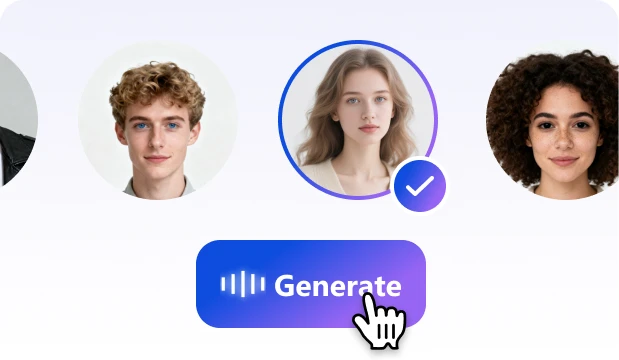
Choose a Voice
Select your preferred language, voice, speed, tone, or emotion.
Listen and Download
Play the text aloud and export the audio as an MP3 file.
Best Online Text Reader for Natural, Effortless Listening

100% Free, No Login
No account, no subscription, no setup. Just open the text reader, paste your text, and start listening right away.

Natural Text Reading Voices
Enjoy clear, human-like voices that make long text easier to listen to. Whether it’s an article, email, study note, or document, the reader turns your words into smooth, natural audio.

Read Aloud in 20+ Languages
Use this online text reader to read text aloud in English, Japanese, Arabic, and more. It supports 20+ languages with 83 voices and 153 speaking styles.

Customize Your Listening
Adjust the reading speed, voice tone, and emotion to match how you like to listen. Slow it down for study, speed it up for review, or play at normal speed to enjoy daily listening.

Export Text to MP3
Need to save the audio? Generate your reading audio, preview it, and download it as an MP3 file in one click.

Private and Secure
Your text is protected with strict privacy standards, so you can safely read aloud personal notes, work documents, emails, and other sensitive content.
Ready to Listen?
Paste your text, choose a natural voice, and start listening in seconds. You can also save the audio as MP3.
What You Can Do with This Online Text Reader?
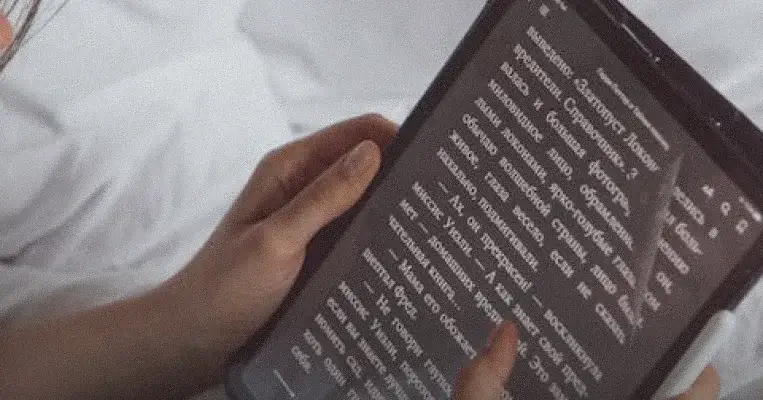
Article Reading
Paste articles, blogs, or web text and listen to them read aloud naturally.
Read Text Aloud in 20+ Languages
Choose from 20+ languages to hear your text read aloud with clear, natural pronunciation.


Frequently Asked
Questions
Frequently Asked Questions
What is a text reader?
A text reader is a tool that reads text aloud using natural AI voices. You can paste text, choose a voice, and listen instead of reading on screen. It’s commonly used for articles, ebooks, emails, study notes, and long documents.
Is this for listening to text, or making voiceovers?
It is mainly for listening to text. You can use it to hear articles, notes, emails, ebooks, or any written content read aloud. MP3 download is available if you want to save the audio.
Is this text reader really free?
Yes. This online text reader is free to use with no sign-up, subscription, or hidden paywall required.
How much text can I read at once?
Each generation supports up to 2,000 characters. For longer text, copy and paste the next section after the first one is finished.
What should I do if the reading sounds unnatural?
Try a different voice, lower the speed, or choose a more conversational style. Shorter paragraphs with clear punctuation usually sound more natural.
Can I change the reading speed or voice?
Yes. You can customize the voice, speed, tone, and speaking style to create a more comfortable listening experience.
Can I download the read-aloud audio as MP3?
Yes. After generating the audio, you can download it as an MP3 file for offline listening, study, review, or sharing.
Is my pasted text private?
Yes. Your text is used only to generate the read-aloud audio. It is not stored, displayed publicly, nor shared with other users.
Ready to Listen Instead of Read?
TextaVoice turns text into natural-sounding audio right in your browser. Paste your text, generate the voice, and download your MP3 for free.
Read Text Now